Starting my web development internship at My Invented is a major step in gaining practical experience and understanding how the industry works. As a Web Development Intern, I have begun exploring WordPress development without writing code. This internship allows me to learn website creation, customization, and management using WordPress’s built-in tools. Check out my portfolio to see my projects & certifications, and more about my journey!
First Impressions and Expectations
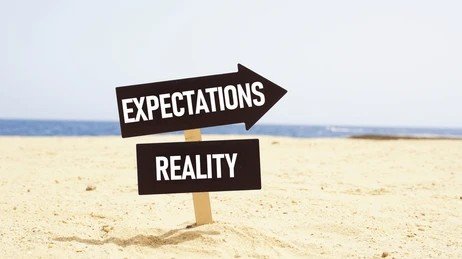
Before starting, I expected to work with HTML, CSS, and JavaScript for web development. However, I quickly realized that WordPress offers a no-code approach, allowing users to create professional websites using themes, plugins, and built-in features. This was a new experience for me, and I was eager to learn how it works.
What I’ve Learned

1. Website Building Without Coding
- Using WordPress themes to design websites easily.
- Customizing layouts, fonts, and colors with drag-and-drop tools.
- Managing content using the WordPress block editor.
2. Plugins and Their Role
- Installing and configuring plugins for added functionality.
- Exploring SEO tools, security plugins, and contact forms.
- Understanding how plugins can enhance website performance.
3. Website Management Basics
- Adding and organizing pages, blog posts, and media files.
- Managing user roles and website settings.
- Learning about website security and backups.
My Goals Moving Forward
As I continue my internship, I aim to:
- Gain expertise in WordPress website customization.
- Learn how to create professional websites without coding.
- Understand the best SEO practices for WordPress.
- Explore e-commerce website building with WooCommerce.
Conclusion
My internship at My Invented has already taught me so much about WordPress and website creation. Even without coding, I’m learning how to build and manage functional, user-friendly websites. This experience is helping me expand my skills and explore different aspects of web development.
For anyone interested in web development without coding, learning WordPress is a great starting point. I’m excited to continue this journey and see how I can apply these skills in future projects!